
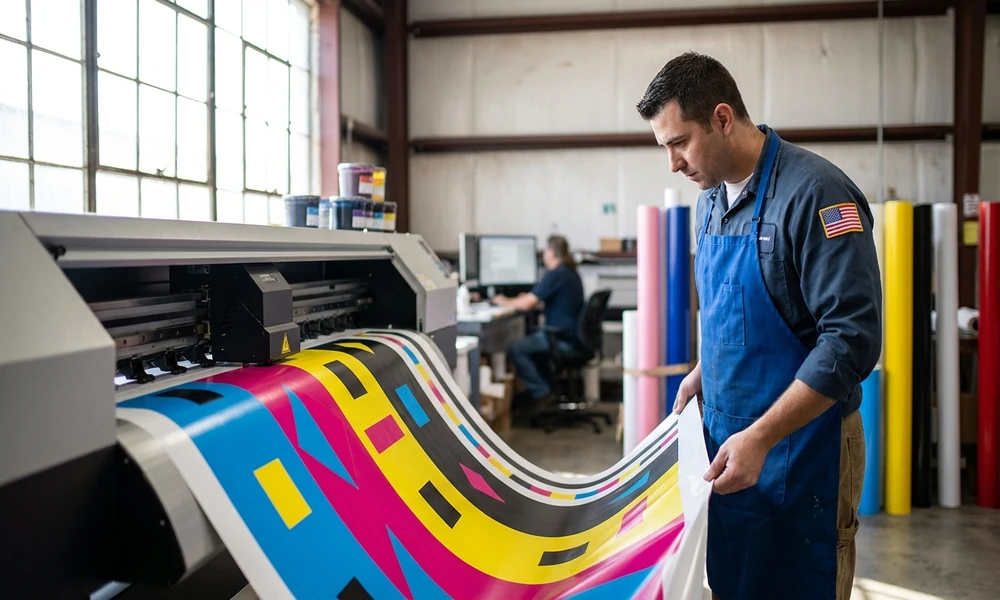
A banner’s first task is to grab attention, but its real power lies in how convincingly it communicates a message. When a banner’s colors look faded or the image appears pixelated, even the boldest design falls flat. Behind the scenes, two technical factors silently determine whether your banner pops or disappoints: color profiles and resolution.
Early Days of Banner Printing: From Simple Signs to Color Awareness
Banner printing began with simple, hand-painted signs and basic fabric backdrops. These early banners were functional, but their colors lacked vibrancy and precision. Materials like canvas and paper limited both color range and durability.
As printing technology advanced, adding color became possible. However, matching colors from design to final print proved challenging. Early printers could only approximate hues, resulting in banners that sometimes failed to match brand standards or event themes. Resolution issues compounded the problem. With limited pixel density, small details were often lost, and gradients appeared as visible stripes rather than smooth blends.
Emergence of Color Profiles in Modern Banner Printing
Today, digital printing has revolutionized color management. At the heart of every print job lies a crucial decision: which color space to use.
Understanding Color Spaces: RGB vs CMYK
Designers often work in RGB, the color system used for screens. Printers, however, require CMYK (Cyan, Magenta, Yellow, Key/Black). Attempting to print an RGB file can result in dull, inaccurate colors because printers physically mix inks rather than emit light as a screen does. That is why color profiles now matter more than ever.
Why Do Color Profiles Matter for Accurate Printing?
Color profiles are sets of data that translate the colors you see on your monitor into instructions for the printer. Without the right profile, what looks like a vibrant blue on your computer could turn out dull or purple in print. Consistency across devices is only possible when everyone uses the same profile, especially in large projects involving multiple contributors or print runs.
Standard Color Profiles Used in the Industry
Most banner printers, including those specializing in large formats, specify CMYK and often recommend industry-standard profiles like U.S. Web Coated (SWOP) v2 or FOGRA39. These profiles help ensure your reds stay red and your logos remain faithful to your brand identity.
Resolution and Its Impact on Banner Clarity
Resolution is equally important but often misunderstood.
Defining DPI and Its Importance
DPI stands for dots per inch, a measure of how many ink droplets a printer lays down in a square inch. Higher DPI means finer detail. For banners, the sweet spot is different than for postcards or magazines. Most large-format printers specify a resolution of 150 DPI for banners, which balances sharpness with manageable file sizes.
Optimal Resolution Settings for Large Format Printing
While 300 DPI is the standard for small prints, banners viewed from several feet away do not require such density. Setting your artwork to 150 DPI at the final print size (for example, 33 inches by 81 inches for a roll-up banner) ensures clarity without unnecessarily bloating your file.
Common Resolution Mistakes and Their Consequences
Scaling up a low-resolution image results in blurry prints. Conversely, submitting a file at too high a resolution can lead to processing delays without visible improvement. Keeping graphics and text within the recommended “safe zones” prevents accidental trimming of important visual elements.
Integration of Color Profiles with Resolution for Quality Output
True print quality emerges when color and resolution are considered together.
When you use the correct CMYK profile and set the resolution to the printer’s specifications, your artwork stands the best chance of translating faithfully from screen to banner. Preparing files for Doculand banner printing is a good example: their guidelines specify not just 150 DPI and CMYK, but also include bleed, trim, and safe zones to ensure a polished, professional result.
Technological Advances Shaping Banner Printing Quality
Modern banners benefit from more than just better ink and printers.
Materials matter; matte vinyl, for instance, reduces glare, making graphics visible even under harsh lights. Retractable and roll-up stands have turned banners into portable, robust marketing tools. Digital printing techniques like variable dot and grayscale control allow for more nuanced color transitions and crisp text, even at large sizes.
Practical Guidelines for Designers and Marketers
To avoid costly mistakes, follow these best practices:
– Pick the right color profile: Always design in CMYK and use the printer’s recommended profile.
– Set accurate resolution: Design at the full print size with 150 DPI.
– Mind the margins: Leave a bleed of 0.5 inches on all sides, and keep key elements inside the recommended safe zone.
– Convert fonts to outlines: Prevent font substitution issues by outlining text before saving your PDF.
Future Trends: Where Banner Printing Is Headed
Emerging technologies are set to raise the bar even higher. AI-driven color management promises more precise color matching between screens and printers. Automation is reducing turnaround times and minimizing human error. There is also growing interest in sustainable materials that preserve print quality while reducing environmental impact.
Case Studies: Successes and Lessons Learned
Brands that combine correct color profiles and resolution routinely produce event banners with striking hues and sharp logos. On the flip side, skipping these steps often leads to muted graphics or pixelated text, issues that stand out for all the wrong reasons. Reviewing successful large-format banners reveals one theme: attention to technical detail is non-negotiable for quality print.
In banner printing, flawless execution is never an accident. It is the result of technical know-how and following best practices every step of the way.

Hemant Kumar is a project manager at Tridindia with more than nine years of commendable experience in writing about LMS, translation, and IT. His unmatched talent and passion for digital marketing gave him the opportunity to work as a multi-tasking project manager at TridIndia’s sister company, Link Building Corp. Today, he contributes to the world by imparting knowledge on SEO, link building and internet marketing etc., that helps business owners grow their online business.

